Fix login timeout on /api/session
Sessions are expiring after 5 minutes instead of the configured 24 hours. Reproduces on staging when refresh tokens are issued out of order.
- just nowhuman:alice created the task
$ backlogYour AI agent forgets between sessions. Backlog remembers. Open Claude Code tomorrow, Cursor next week. Every task, plan, comment, and decision is right where you left it. Ship more in less time. One binary. $0 forever.
Sessions are expiring after 5 minutes instead of the configured 24 hours. Reproduces on staging when refresh tokens are issued out of order.
{
"ref": "TASK-42",
"title": "Fix login timeout on /api/session",
"type": "bug",
"priority": 2,
"status": "todo",
"actor": "human:alice",
"project": "api"
}
We spent a decade teaching humans to fit into Jira. Now we're going to ask an LLM to do it? An agent's backlog should live in its context, with tooling built for agentic AI usage.
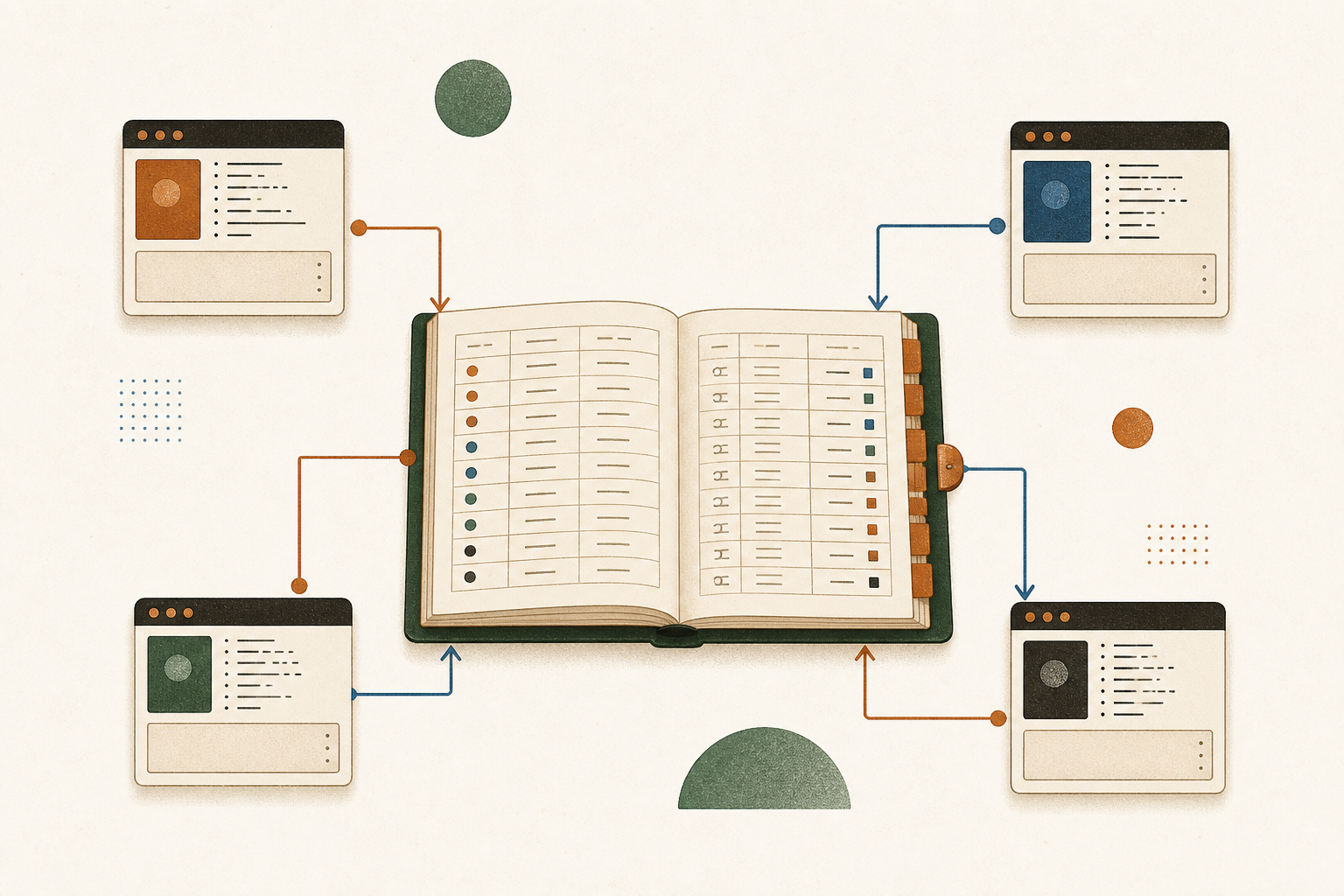
A loop is one unit of work: pick → plan → run → review → ship. Backlog is the persistent state your AI agent is missing. The queue, the plans, the comments, the activity log all live in the same local database. Tomorrow's session, next week's session, Cursor today and Claude Code in an hour. They all see the same backlog, so nothing needs re-onboarding and no session opens with a "where was I?" prompt. The same developer running fresh sessions across the day closes about 12× the loops of one long-running thread.
And because each task spawns a fresh subagent with only the context it needs, the average session fits in under 50k tokens instead of the 500k a single long-running thread bloats into. Same quality, roughly 10× cheaper per loop.
Each agent reads backlog task list --status todo --limit 1, moves it to doing, attaches a plan, ships a PR, posts a completion comment, and marks done. The next session picks up immediately. The DB enforces attribution; the activity log records every step.
The Backlog DB handles concurrent writers from multiple sessions. Each task is owned by exactly one actor at a time. Plans are versioned, so an agent never overwrites another's work. Conflicts surface as commits, not silent drift.
The queue is just rows in the Backlog DB. Four sessions is a starting point. Add more for bigger backlogs, or run nightly batches against the same database. The CLI, the MCP server, and the web UI all share the same writes.
Baseline: one developer running a single agent session, plan-then-run-then-review per task. Same developer, same agent model, same workday, four sessions hitting one queue. Throughput measured by done tasks in the activity log. The 12× figure is the median across week-long runs. Longer queues run higher, tasks needing human review per PR run lower.
One long agent thread accumulates everything it has seen: old plans, dead branches, files it loaded an hour ago. Token bills scale with that bloat. With backlog, each task spawns a focused subagent with only what the task needs: the task description, the relevant memory entries, and the linked plan. Most loops finish in 30–60k tokens. The same work in a single 500k-token session costs an order of magnitude more for the same output.
Different work needs different context. A SAST finding gets a security-focused subagent with the scanner output and the auth-related docs. A feature task gets a feature-shaped subagent with the PRD memory and the affected handler files. Each subagent is born fresh, knows only what it needs, and is gone when the task is done. One task's context never bleeds into the next, and nothing accumulates the bloat of a long-running thread.
backlog init in any directory. A local database and config file are created. The workspace is ready.backlog init
backlog task add -p api -t "Fix login timeout" --type bug --priority P2
Every task, plan, comment, and doc is tagged with a typed actor at the database level. Not a log on top, the row itself. ai:claude-code shipped TASK-7 at 2:18am. ai:cursor is mid-way through TASK-12. ai:semgrep queued eleven new findings on Tuesday. Manage your AI agents like a team you actually run: see what each one is working on, what shipped, what's waiting on you, all from one filter on the same database. Your morning standup writes itself.
# Human opens a vulnerability task
backlog task add -p api \
-t "SQL injection in /search" \
--type vulnerability --priority P1 \
--as human:alice
# Security scanner imports findings in bulk
backlog import-findings findings.json \
--as ai:semgrep
# See exactly who did what
backlog task list --actor-kind ai
backlog task list --actor-name alice --type vulnerability
Connect Claude Code, Cursor, Codex, or OpenCode directly via the MCP stdio server. The AI reads tasks, writes plans, leaves comments, all attributed with its own actor name. One config, full access.
{
"mcpServers": {
"backlog": {
"command": "backlog",
"args": ["mcp", "serve", "--as", "ai:claude-code"],
"env": {
"BACKLOG_DB": "/path/to/backlog.db"
}
}
}
}
Attach a markdown plan to any task. Every edit creates an immutable version. No history is ever lost. See exactly what changed, who changed it, and why.
How versioned plans work →| VER | TITLE | ACTOR | NOTE |
|---|---|---|---|
| v1 | Fix unsigned JWT rejection | ai:claude-code | — |
| v2 | Fix unsigned JWT rejection (revised) | human:alice | added key rotation step |
| v3 | Fix unsigned JWT rejection (final) | human:alice | removed step 4 per review |
backlog plan history $PLAN_ID
A polished workspace served straight from the binary. List, board, grid, and timeline views. Inline editing on every property. It needs no build step and no separate front-end repo.
Tasks are the core, but the agent loop needs more. Plans the agent writes, docs it reads, memory it remembers, attachments it analyses, an activity feed humans audit.
Tasks have a status, type, priority, assignee, and a TASK-N ref humans actually type. The CLI, MCP, and web UI all hit the same row.
backlog task list --status todo --priority P2 --limit 1 --json
Same workflow whether your AI is writing code with you, triaging security findings, or running unattended overnight.
You create tasks. Your AI agent drafts plans, leaves comments, imports findings, all tagged with its own actor name. At the end of the sprint you can see exactly what was done and by whom, so you never have to guess what the AI changed.
# What has the AI worked on?
backlog task list --actor-kind ai
# What did alice close this week?
backlog task list --actor-name alice --status done
# AI-created plans on open bugs
backlog task list --type bug --actor-kind ai --status todo
Point your scanner at the findings format. Import in bulk with a single command. Every vulnerability becomes a TASK-N with source, external ref, and a pre-attached remediation plan, attributed to the tool that found it.
{
"version": 1,
"project": "app",
"items": [
{
"title": "SQL injection in /search",
"type": "vulnerability",
"priority": "P1",
"source": "semgrep",
"plans": [{
"title": "Fix",
"body": "Use parameterized queries."
}]
}
]
}
backlog import-findings findings.json --as ai:semgrep
Your AI agent reads backlog task list --status todo --limit 1, picks the next task, plans it, ships it, posts a completion comment, and grabs the next one. You review at the end of the day. The DB is the contract: no instructions to repeat, no context to rebuild between sessions. See the cross-session walkthrough →
# Pick the next task
ID=$(backlog task list --status todo --limit 1 --json | jq -r '.tasks[0].id')
# Agent does the work, then:
backlog task move "$ID" --status doing --as ai:claude-code
backlog plan add --task "$ID" --title "Implementation" --from-file plan.md
backlog comment add --task "$ID" "Shipped in PR #42" --as ai:claude-code
backlog task move "$ID" --status done --as ai:claude-code
A typed work queue with first-class actor attribution at the row level.
human:name or ai:name on every write.The pieces an agent needs to plan, ship, and pick up the next task.
CLI, MCP, web UI, and skills all sit on the same service layer.
--json on every command.backlog, loop, goal, enhance-tasks, memory.The boring parts that make a v1 actually trustworthy.
activity analyze for cycle time, latency, and human-vs-AI close ratio.It loses on real-time human collaboration and integration marketplaces. Different tools, different problems.
| Backlog | Linear | Jira | GitHub Issues | |
|---|---|---|---|---|
| Made for agentic AI and humans | yes, by design | humans only | humans only | humans only |
| Cost | $0, MIT | per seat | per seat | per repo |
| AI agent can read & write directly | native (MCP) | via API + glue | via API + glue | via API + glue |
| Native agentic AI memory | tagged, cross-session | no | no | no |
| Typed actor on every row | yes, schema column | no | no | no |
| Immutable plan versions | yes, every edit | edit overwrites | edit overwrites | edit overwrites |
| Workspace = file in your repo | single Backlog DB | cloud-only | cloud-only | tied to repo |
| Self-hosted / offline | single binary | no | on-prem tier | enterprise tier |
| Built-in integrations marketplace | no | extensive | extensive | extensive |
BACKLOG_DB and they're reading from the same brain.backlog web on one shared host (a workstation, an internal server, a Tailscale node) and point teammates and their agents at that URL. The HTTP API and MCP server expose the same data the CLI does. For asymmetric handoffs (e.g. moving findings between branches) use backlog import <other.db> to merge two workspaces with full plan history preserved.human: / ai: actors are enforced as columns on every row (so every change is auditable by who made it); immutable plan versions preserve the agent's reasoning forever; atomic task claims prevent two agents from picking the same row. Linear and Jira can be wrapped to look agent-friendly. Backlog was built for the agentic loop from the schema up.backlog export --format json for a full dump, or read rows directly via the HTTP API. The schema is small and documented: tasks, plans, comments, memory, actors, activity. Spinning up a Postgres-backed clone with the same shape is a weekend, not a migration. You own your data; Backlog is just the binary holding it today.Single static binary. No CGO. No runtime dependencies. Go 1.22+.
go install github.com/mazen160/backlog/cmd/backlog@latest
curl -L https://github.com/mazen160/backlog/releases/latest/download/backlog_darwin_arm64.tar.gz | tar xz
sudo mv backlog /usr/local/bin/
curl -L https://github.com/mazen160/backlog/releases/latest/download/backlog_linux_amd64.tar.gz | tar xz
sudo mv backlog /usr/local/bin/
Then run backlog init in any directory to create your first workspace.